
HaroldBuffer
New member
- Joined
- Nov 9, 2023
- Messages
- 17
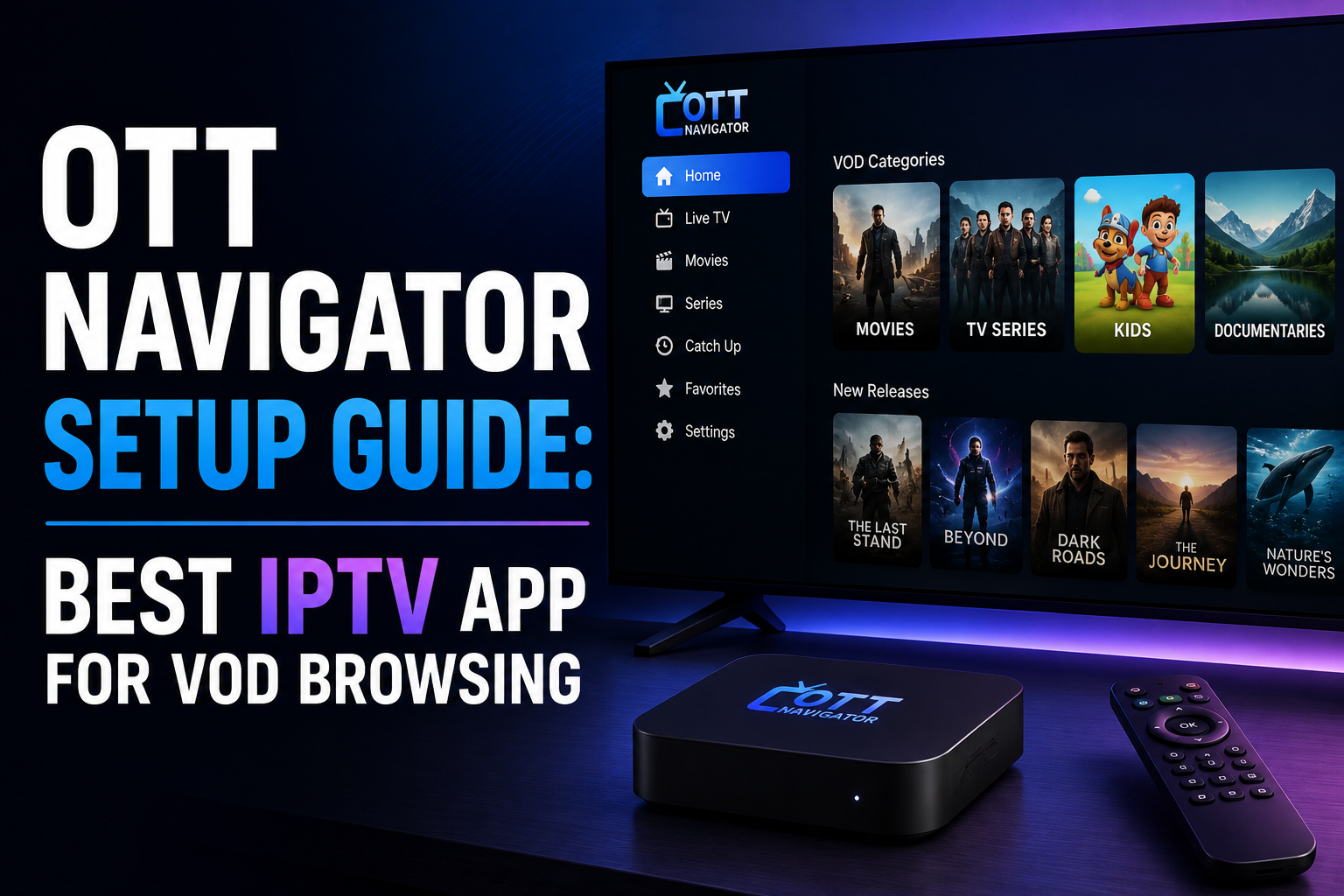
OTT Navigator is the best IPTV app for browsing large VOD (Video on Demand) libraries. While TiviMate dominates for live TV management, OTT Navigator's poster-based VOD interface is in a different class.
OTT Navigator's VOD section displays content with poster artwork, genre categories, TMDB metadata integration (descriptions, ratings, cast information), and a "recently added" section. Browsing a library of hundreds of films and series actually feels like using a dedicated streaming service — a stark contrast to TiviMate's basic list view of the same content.
Android TV box: OTT Navigator is available on the Google Play Store. Install directly.
Firestick: Requires sideloading via Downloader. Enter the OTT Navigator APK URL from the official website.
Chromecast with Google TV: Available on Google Play. Install directly.
Open OTT Navigator and tap + New Playlist:
Xtream Codes: Select "Xtream Codes URL". Enter your server URL, username, and password.
M3U: Select "M3U URL". Enter the playlist URL.
Initial load: OTT Navigator's first load is slower than TiviMate because it downloads and locally caches the entire VOD library metadata including artwork. This can take 3–10 minutes on first use. This is normal. Subsequent launches use the cached data and load quickly.
• Player: OTT Navigator supports external players. For hardware decode on Android TV, the internal player with hardware acceleration is usually best.
• TMDB API: Enable TMDB integration for automatic artwork and metadata. Free TMDB API key available from the TMDB website.
• EPG: OTT Navigator imports EPG from your Xtream Codes connection. For M3U playlists, add a separate XMLTV URL in the playlist settings.
Many experienced IPTV users run both OTT Navigator and TiviMate on the same device, using the same subscription credentials:
• TiviMate for live TV watching and EPG management
• OTT Navigator for browsing and watching VOD content
Both apps can be configured with the same Xtream Codes credentials and both will show all content. This is not a simultaneous connection — you only watch on one at a time, so it typically counts as one stream.
OTT Navigator includes a Smart Search that queries both live TV and VOD simultaneously. When you are not sure whether something is in the live schedule or the VOD library, a single search returns results from both. TiviMate has no equivalent — you must search live and VOD separately.
What Makes OTT Navigator Different
OTT Navigator's VOD section displays content with poster artwork, genre categories, TMDB metadata integration (descriptions, ratings, cast information), and a "recently added" section. Browsing a library of hundreds of films and series actually feels like using a dedicated streaming service — a stark contrast to TiviMate's basic list view of the same content.
Installing OTT Navigator
Android TV box: OTT Navigator is available on the Google Play Store. Install directly.
Firestick: Requires sideloading via Downloader. Enter the OTT Navigator APK URL from the official website.
Chromecast with Google TV: Available on Google Play. Install directly.
Setting Up Your Playlist
Open OTT Navigator and tap + New Playlist:
Xtream Codes: Select "Xtream Codes URL". Enter your server URL, username, and password.
M3U: Select "M3U URL". Enter the playlist URL.
Initial load: OTT Navigator's first load is slower than TiviMate because it downloads and locally caches the entire VOD library metadata including artwork. This can take 3–10 minutes on first use. This is normal. Subsequent launches use the cached data and load quickly.
Key Settings to Configure
• Player: OTT Navigator supports external players. For hardware decode on Android TV, the internal player with hardware acceleration is usually best.
• TMDB API: Enable TMDB integration for automatic artwork and metadata. Free TMDB API key available from the TMDB website.
• EPG: OTT Navigator imports EPG from your Xtream Codes connection. For M3U playlists, add a separate XMLTV URL in the playlist settings.
Using OTT Navigator Alongside TiviMate
Many experienced IPTV users run both OTT Navigator and TiviMate on the same device, using the same subscription credentials:
• TiviMate for live TV watching and EPG management
• OTT Navigator for browsing and watching VOD content
Both apps can be configured with the same Xtream Codes credentials and both will show all content. This is not a simultaneous connection — you only watch on one at a time, so it typically counts as one stream.
Smart Search Feature
OTT Navigator includes a Smart Search that queries both live TV and VOD simultaneously. When you are not sure whether something is in the live schedule or the VOD library, a single search returns results from both. TiviMate has no equivalent — you must search live and VOD separately.
Last edited by a moderator:
